How to start

Get it step by step
A digital stamp is a collectible tied to a real place you visit, stored in your Placerion account. To collect one, you scan a QR code at the location and complete the purchase in a few taps.

1.
Discover
While traveling, exploring your city, or visiting new experiences, you’ll come across places that are part of Placerion. Each participating location has its own unique digital stamp waiting for you. You can also discover Placerion locations directly on the Placerion map.
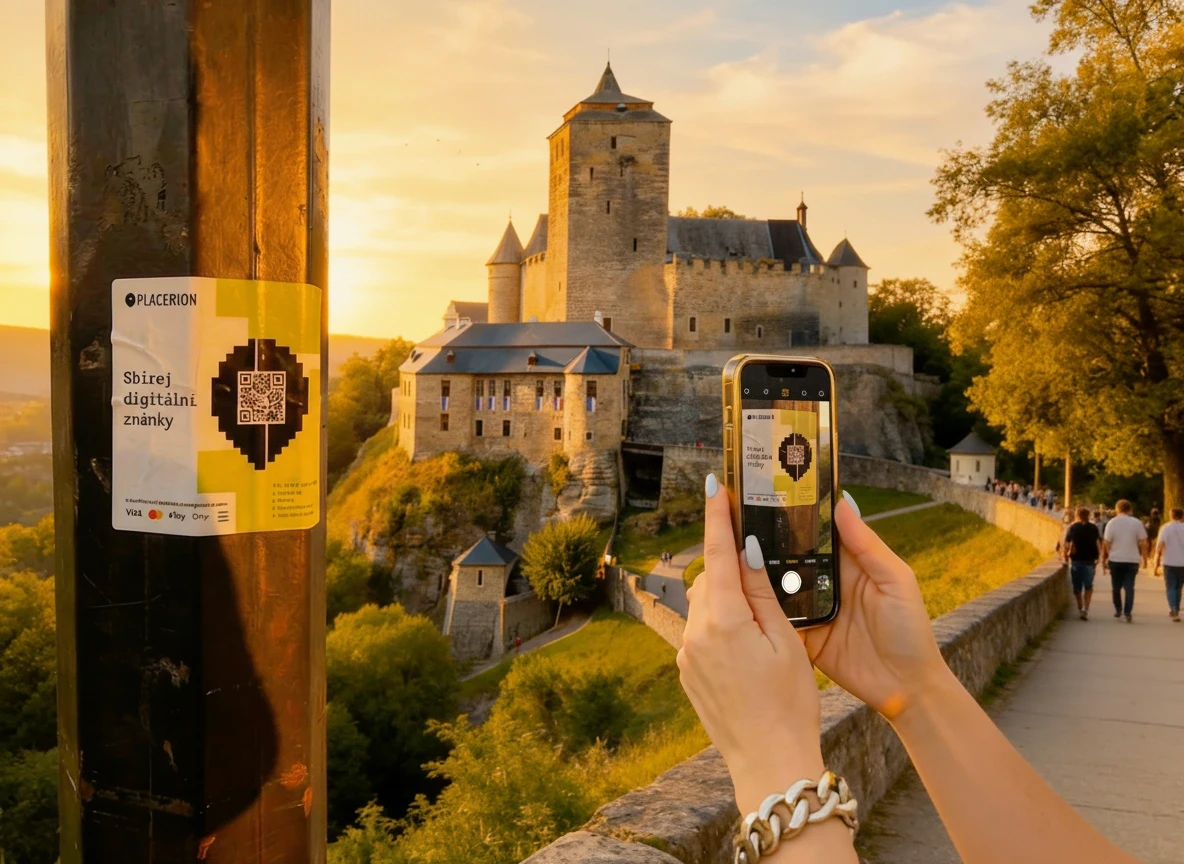
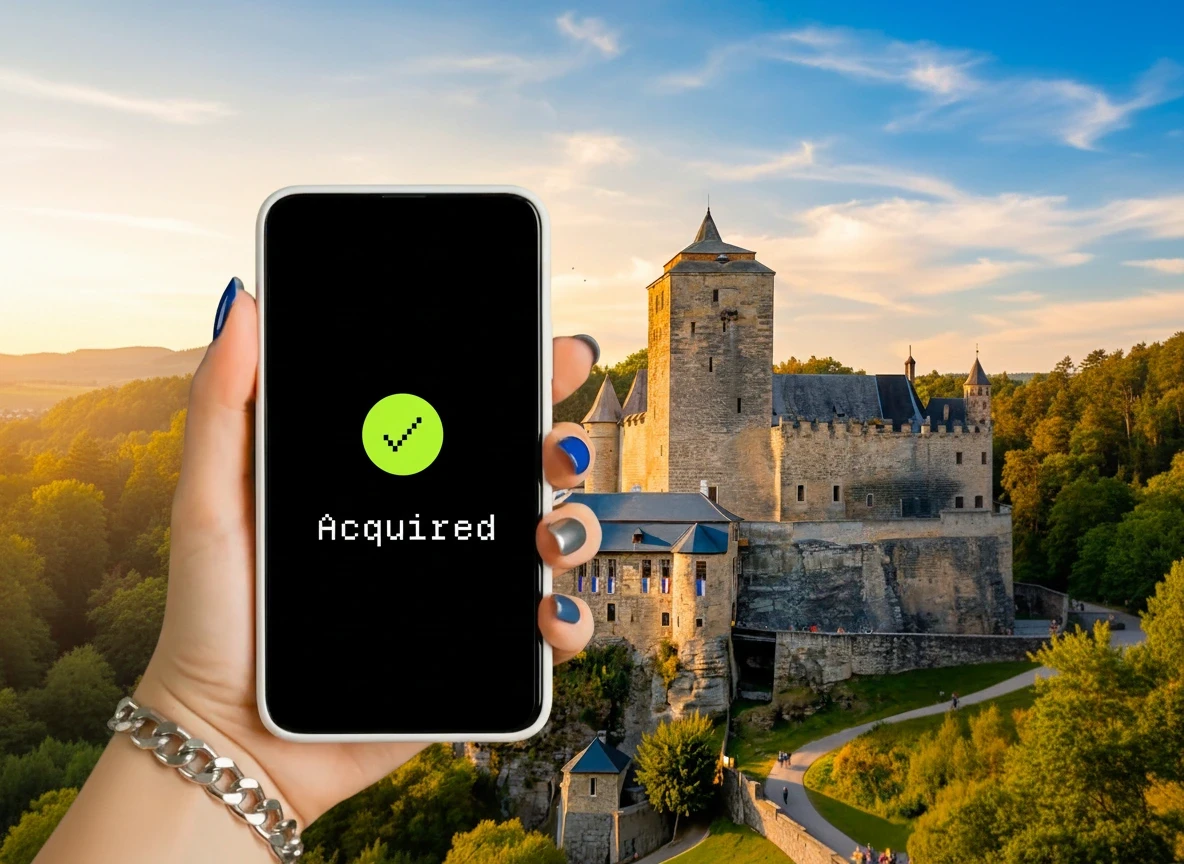
3.
Sign in & pay
Sign in to your Placerion account using Google or another supported method, then purchase the digital stamp using a familiar payment option such as a credit card, Apple Pay, Google Pay, or cryptocurrency.

4.
Collect
Your Placerion digital stamp is stored in your user account on the Placerion platform. Once you complete the purchase, the stamp is immediately added to your personal collection, where you can view it, organize it, and keep track of all the places you’ve visited.
What’s next?
Once you start collecting, your stamps become part of your personal collection on Placerion.
For collectors who want more, selected stamps can later unlock additional features — such as optional minting, collection-based benefits, or participation in special programs. All of this is optional and available when you’re ready.
Explore participating places, start collecting, or learn more about the technology and benefits behind your collection